Free checklist

3D print failure troubleshooting checklist

A practical checklist for moving from failed print to likely cause without changing every slicer setting at once.

Download Markdown checklist

Symptom Capture

  • Photograph the failure from the side, top, and first-layer angle.
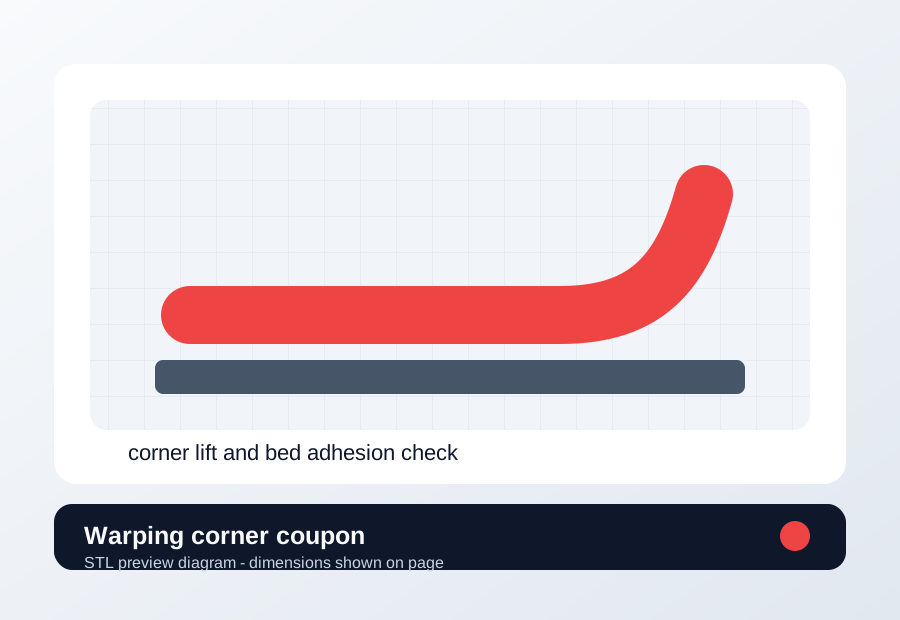
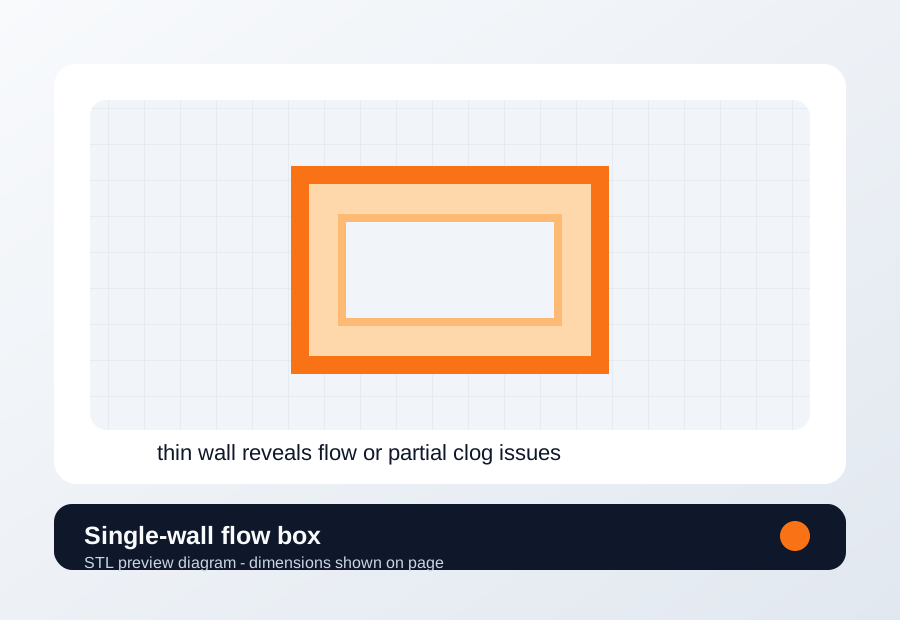
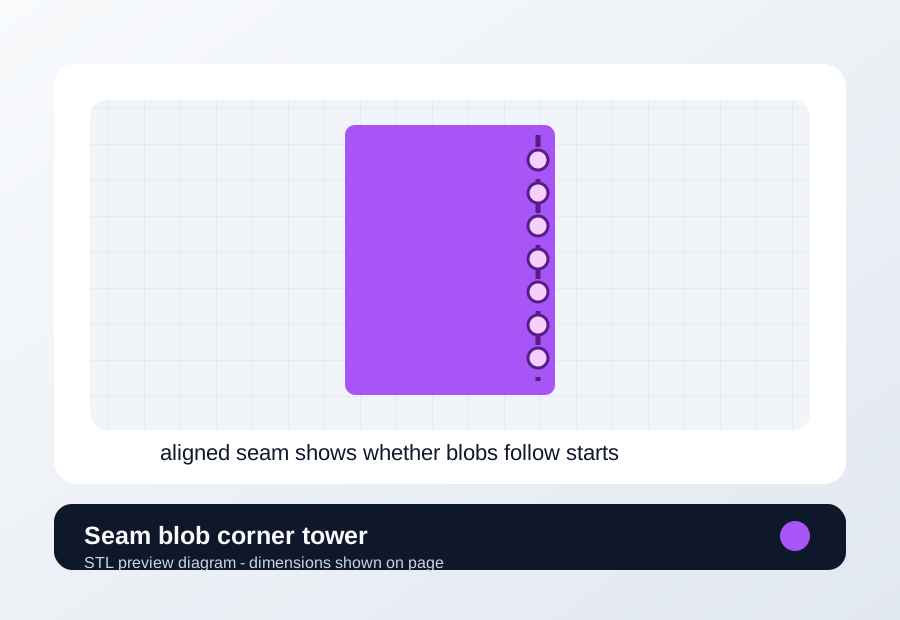
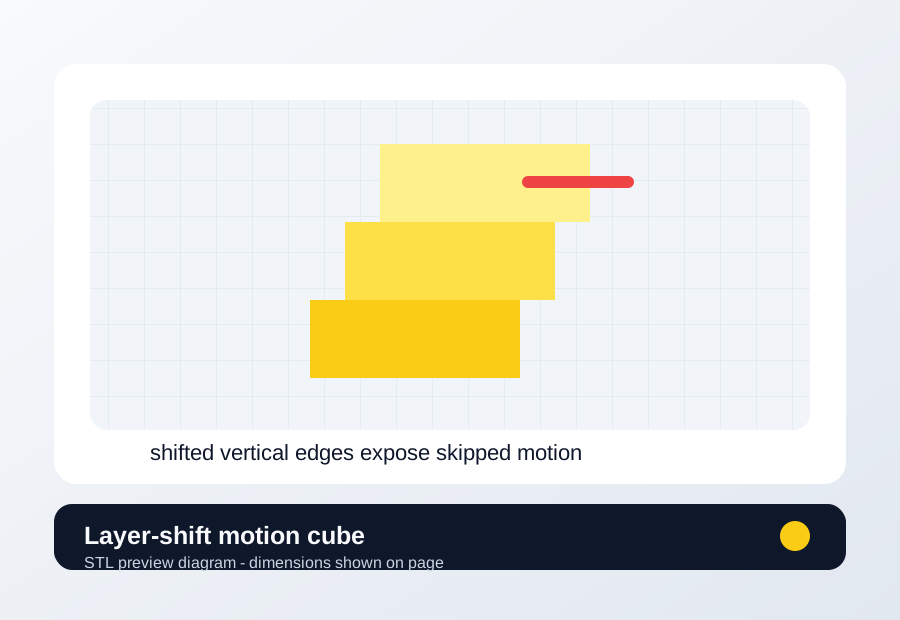
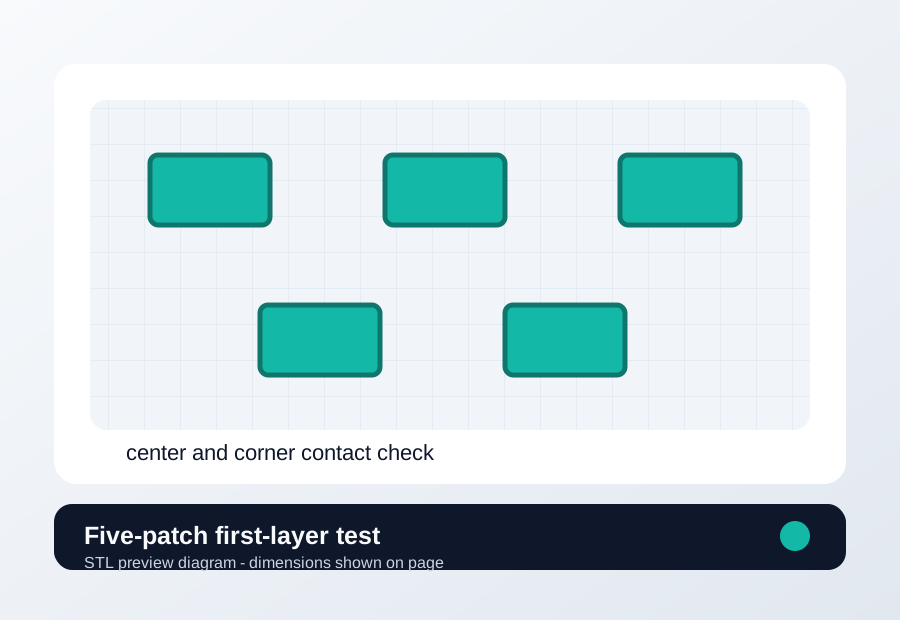
  • Write the exact symptom: stringing, warping, layer shift, clog, poor first layer, blobs, or weak extrusion.
  • Record whether the issue appears on every print, one model, one material, or one area of the bed.
  • Keep the failed part until the next successful comparison print is done.
Material And Hardware

  • Record filament brand, material, color, age, drying state, and storage method.
  • Check nozzle size, nozzle material, visible wear, and last replacement date.
  • Clean the build plate using the method recommended for that surface.
  • Inspect belt tension, pulleys, extruder gears, filament path, and obvious debris.

Slicer And Firmware

  • Save the current profile before changing flow, temperature, pressure advance, speed, or retraction.
  • Change one variable at a time and write the before and after values.
  • For Klipper issues, collect the exact error, printer.cfg context, recent changes, and relevant logs.
  • Keep material-specific profiles separate by brand, color, nozzle, and build plate.

Verification

  • Reprint the smallest test that reproduces the issue.
  • Compare before and after photos under the same lighting.
  • Run a second representative print before declaring the profile fixed.
  • Only buy parts after repeated tests point to wear, incompatibility, or a missing capability.

Related Pages